RevenueCat Documentation
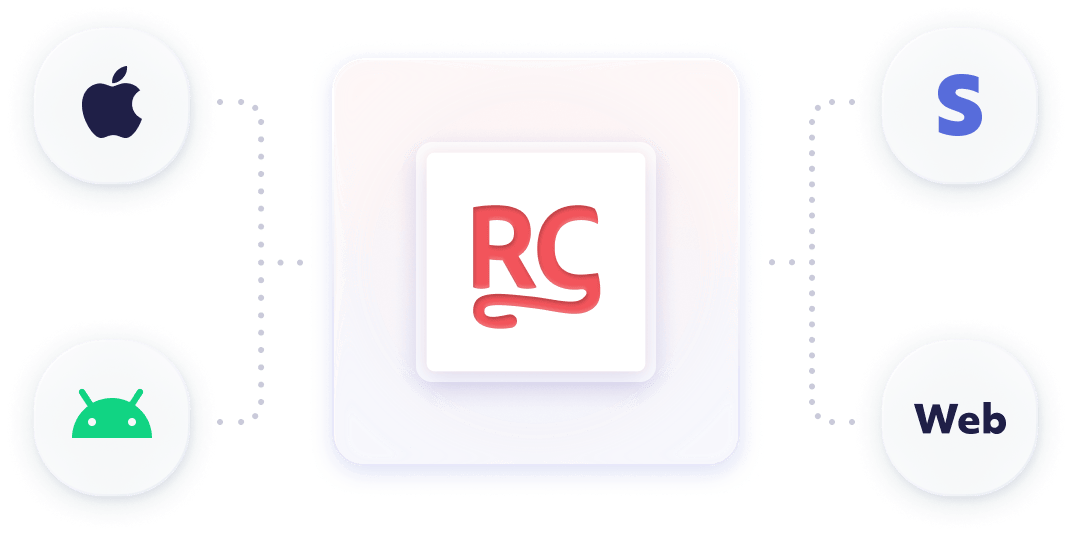
Add in-app purchases and subscriptions to your app, then manage customers and grow revenue across iOS, Android, and the web.
Popular Articles
Start Building
Follow the quickstart to install the SDK and verify your first purchase, or jump straight to your platform's install guide.
New to RevenueCat? Create an account
Moving an app that already sells in-app purchases? Migrate to RevenueCat


Explore by Goal
Monetize Your App
- OfferingsGroup products into Offerings to show on your paywall.
- EntitlementsControl which content and features each customer can access.
- Sell on the webSell subscriptions on the web with RevenueCat Billing, Stripe Billing, or Paddle Billing.
Grow Revenue
- RevenueCat PaywallsDesign and update paywalls remotely, without code changes.
- ExperimentsA/B test prices and paywall designs, with results across platforms.
- TargetingShow different Offerings to different audiences with rules.
Manage Customers
- Identify customersConnect purchases to your own user accounts with App User IDs.
- Customer ProfileLook up a customer's purchases and Entitlements, and grant refunds.
- Customer CenterAdd a self-service screen where customers manage their subscriptions.
Analyze and Act
- ChartsAnalyze revenue, subscriptions, trials, churn, and retention.
- WebhooksGet notified on your server when subscription and purchase events happen.
- Third-party integrationsSend subscription events to tools such as Amplitude, Braze, and Mixpanel.
Reference
- REST API v2Server-side API for projects, products, Offerings, customers, and subscriptions.
- REST API v1Customer and transaction actions from your server, such as refunds and promotional Entitlements.
- SDK referenceClass and method reference for each RevenueCat SDK.
- Webhook eventsEvery webhook event type and the fields it includes.
- Sample appsExample apps that use the RevenueCat SDK.
Get Help
- Stuck? Start with the troubleshooting guide.
- Contacting support? Start with support first steps.
- Ask other developers in the RevenueCat Community.
- Join the live demo and office hours every other Friday for a platform walk-through and Q&A.
- Check the status page for current incidents.
- Catch up on new features and fixes in the changelog.
- Plan your monetization model with the playbooks.
- Using an AI tool? Point it to llms.txt.