mParticle can be a useful integration tool for seeing all events and revenue that occur for your app even if it’s not active for a period of time. You can use mParticle to clean up your data infrastructure and collect new customer data, which can then be connected with other tools through mParticle’s powerful API.
With our mParticle integration, you can:
Use the API to identify users who are at risk of churning and begin a campaign to win them back.
Set up push notifications and emails to users who have subscribed to your product but do not engage very much.
With accurate and up-to-date subscription data in mParticle, you'll be set to turbocharge your campaigns ⚡️
The mParticle integration tracks the following events:
Event
Default Event Name
Description
App Store
Play Store
Amazon
Stripe
Promo
Initial Purchase
initial_purchase
A new subscription has been purchased.
✅
✅
✅
✅
❌
Trial Started
trial_started
The start of an auto-renewing subscription product free trial.
✅
✅
✅
✅
❌
Trial Converted
trial_converted
When an auto-renewing subscription product converts from a free trial to normal paid period.
✅
✅
✅
✅
❌
Trial Cancelled
trial_cancelled
When a user turns off renewals for an auto-renewing subscription product during a free trial period.
✅
✅
✅
✅
❌
Renewal
renewal
An existing subscription has been renewed or a lapsed user has resubscribed.
✅
✅
✅
✅
❌
Cancellation
cancellation
A subscription or non-renewing purchase has been cancelled. See cancellation reasons for more details.
✅
✅
✅
✅
✅
Uncancellation
uncancellation
A non-expired cancelled subscription has been re-enabled.
✅
✅
✅
❌
❌
Non Subscription Purchase
non_renewing_purchase
A customer has made a purchase that will not auto-renew.
✅
✅
✅
✅
✅
Subscription Paused
rc_subscription_paused_event
A subscription has been paused.
❌
✅
❌
❌
❌
Expiration
expiration
A subscription has expired and access should be removed. If you have Platform Server Notifications configured, this event will occur as soon as we are notified (within seconds to minutes) of the expiration. If you do not have notifications configured, delays may be approximately 1 hour.
✅
✅
✅
✅
✅
Billing Issues
billing_issue
There has been a problem trying to charge the subscriber. This does not mean the subscription has expired. Can be safely ignored if listening to CANCELLATION event + cancel_reason=BILLING_ERROR.
✅
✅
✅
✅
❌
Product Change
product_change
A subscriber has changed the product of their subscription. This does not mean the new subscription is in effect immediately. See Managing Subscriptions for more details on updates, downgrades, and crossgrades.
✅
✅
❌
✅
❌
Refund
refund
When a user canceled their subscription via customer support.
✅
✅
✅
✅
❌
Transfer
rc_transfer_event
A transfer of transactions and entitlements was initiated between one App User ID(s) to another.
Please note: Two events will be sent for each transfer, one for the original user and another for the destination user.
✅
✅
✅
✅
❌
For events that have revenue, such as trial conversions and renewals, RevenueCat will automatically record this amount along with the event in mParticle.
1. Set mParticle User Identity and Send Device Data to RevenueCat
If you're using the mParticle SDK, you can set the User ID to match the RevenueCat App User Id. This way, events sent from the mParticle SDK and events sent from RevenueCat can be synced to the same user.
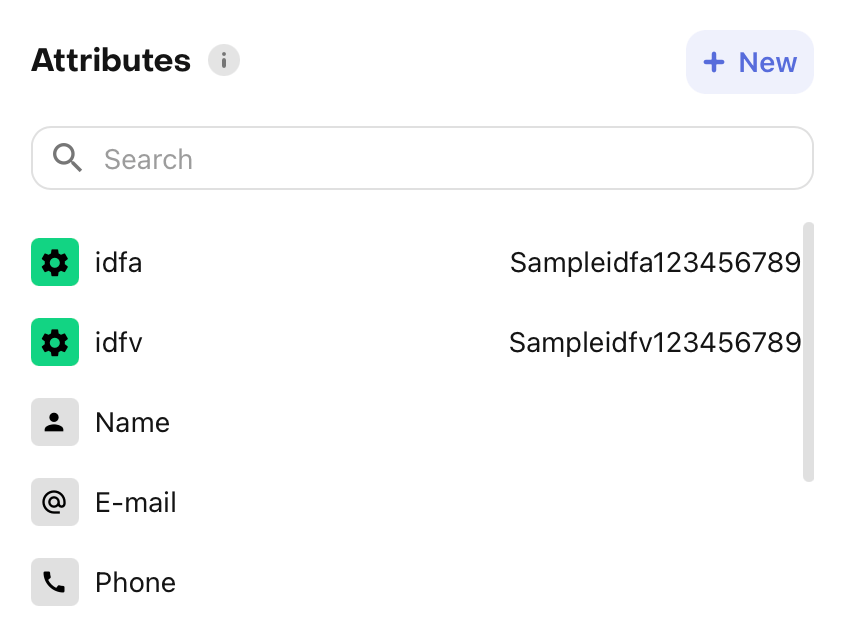
The mParticle integration also requires some device-specific data. RevenueCat will only send events into mParticle when a supported identity is available. The Attribute keys below are recommended and improve matching quality.
Due to policy changes from the Play Store, Android ID is no longer collected by RevenueCat's Android SDKs starting on versions 6.9.8+, 7.11.1+, and later major versions.
Therefore, Google's Advertising ID acts as the primary device identifier for Android devices in RevenueCat and when connecting with third-party integrations.
These properties can be set manually, like any other Attribute, or through the helper methods collectDeviceIdentifiers() and setMparticleId().
Create an identityRequest and add it to the MParticleOptions that you pass to the start() method on the mParticle SDK to set the same App User Id that is set in RevenueCat.
❗️Device identifiers with iOS App Tracking Transparency (iOS 14.5+)
If you are requesting the App Tracking permission through ATT to access the IDFA, you can call .collectDeviceIdentifiers()again if the customer accepts the permission to update the $idfa attribute in RevenueCat.
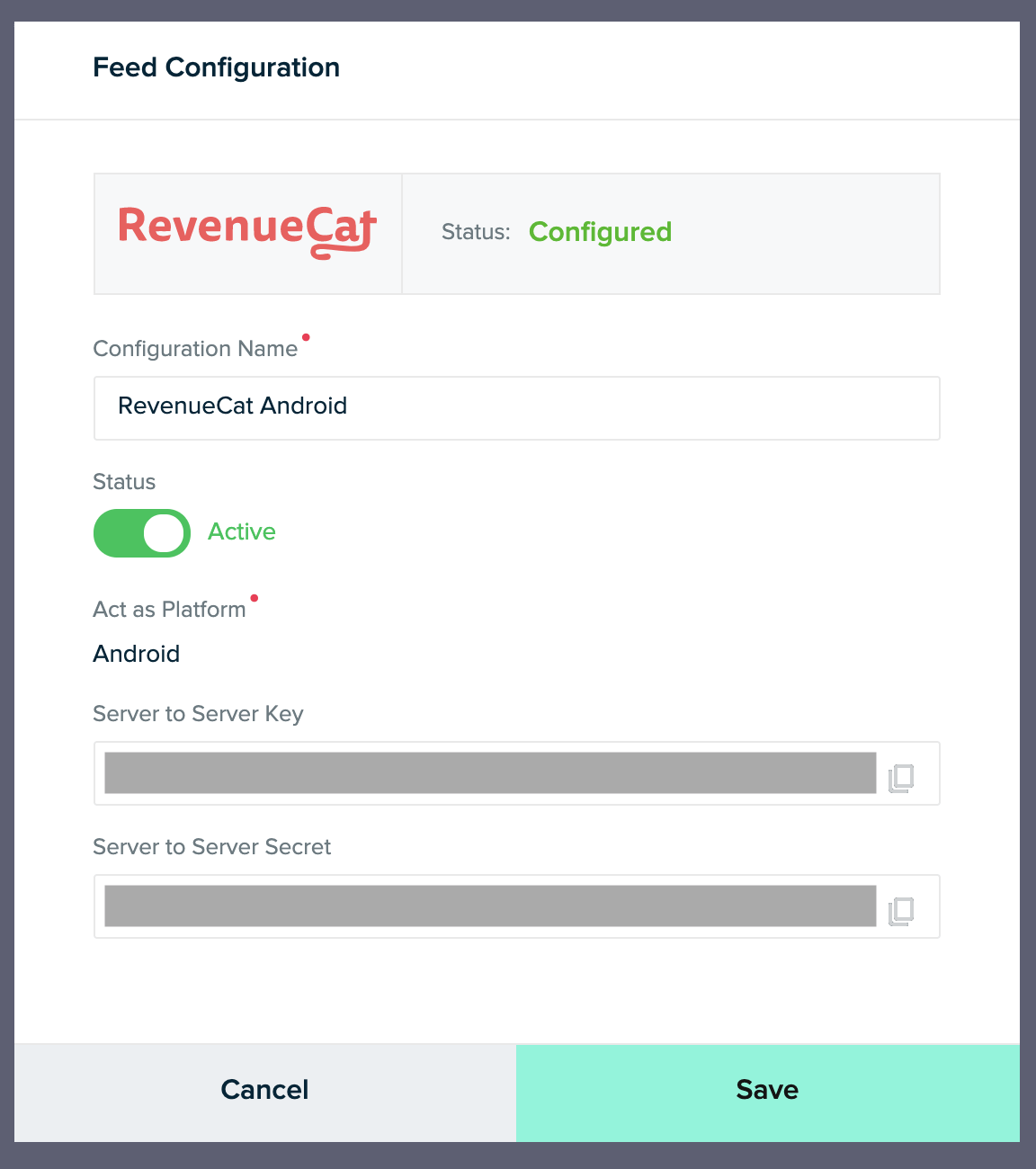
In mParticle, add the RevenueCat feed input and create two feeds: one for the Android platform and one for the iOS platform. Copy each feed's Server to Server Key and Server to Server Secret for setup on RevenueCat. Refer to mParticle's documentation to learn more about feeds.
RevenueCat requires Create & Update Profile permissions in order to send purchase & subscription lifecycle events into mParticle.
After you've set up the Purchases SDK and mParticle SDK to have the same user identity, you can "turn on" the integration and configure the event names from the RevenueCat dashboard.
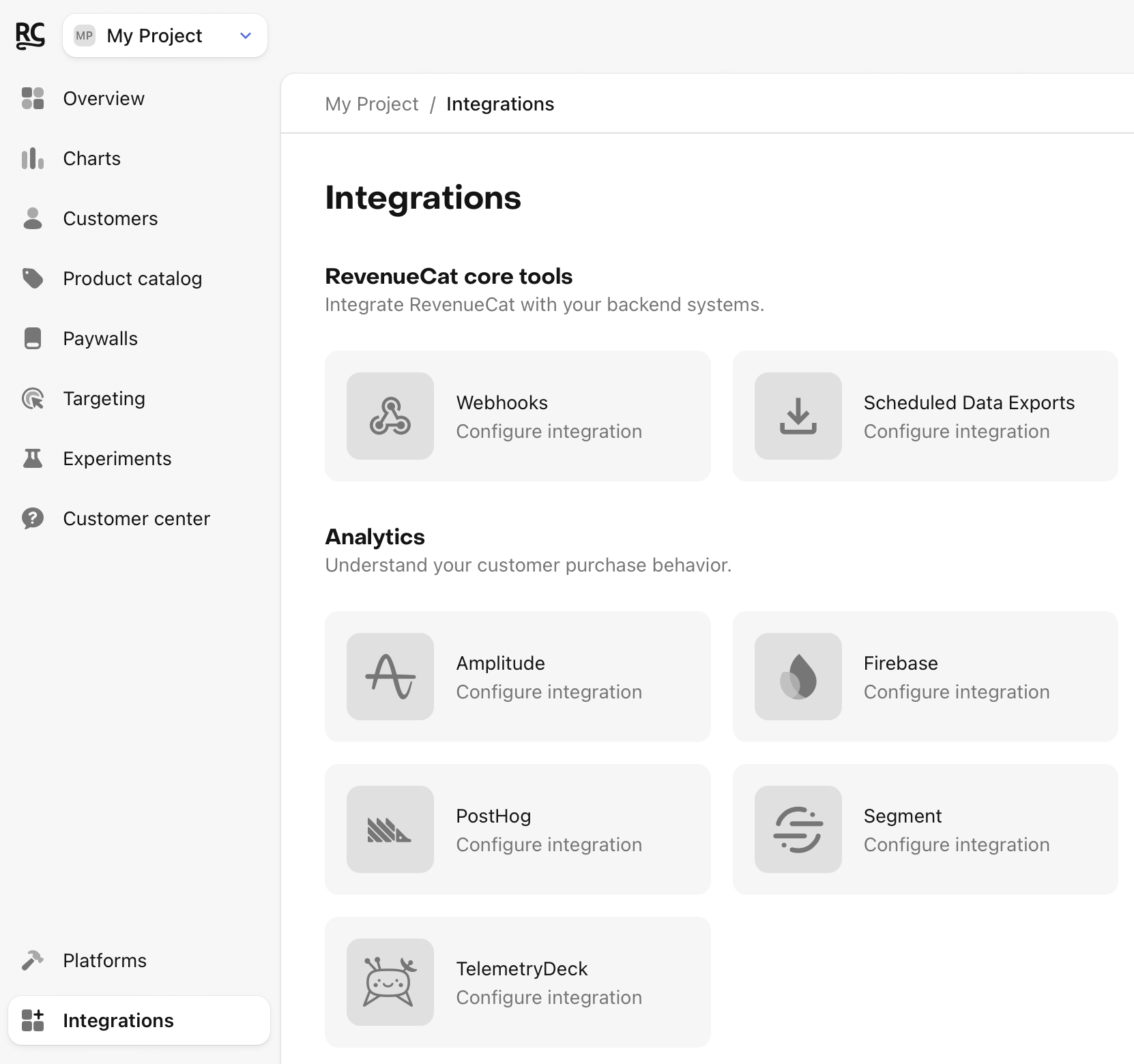
Navigate to your project settings in the RevenueCat dashboard and choose 'mParticle' from the Integrations menu
Add your Server to Server Keys and Server to Server Secrets for each platform from step 2
Enter the event names that RevenueCat will send or choose the default event names
Select whether you want sales reported as gross revenue (before app store commission), or after store commission and/or estimated taxes.
You can test the mParticle integration end-to-end before going live. It's recommended that you test the integration is working properly for new users, and any existing users that may update their app to a new version.
Navigate the the Customer View for the test user that just made a purchase. Make sure that all of the required data from step 1 above is listed as attributes for the user.
Check that the mParticle event delivered successfully
While still on the Customer View, click into the test purchase event in the Customer History and make sure that the mParticle integration event exists and was delivered successfully.
You should start seeing events from RevenueCat appear in mParticle